My MacBook Setup for CS in 2026
Every time I set up a new Mac, I go through the same ritual. Open the box, skip the tour, and start installing the tools that actually make this machine useful for CS work. Here's my current list — 16 apps across 5 categories, no fluff.
Launcher
Raycast — Free | raycast.com
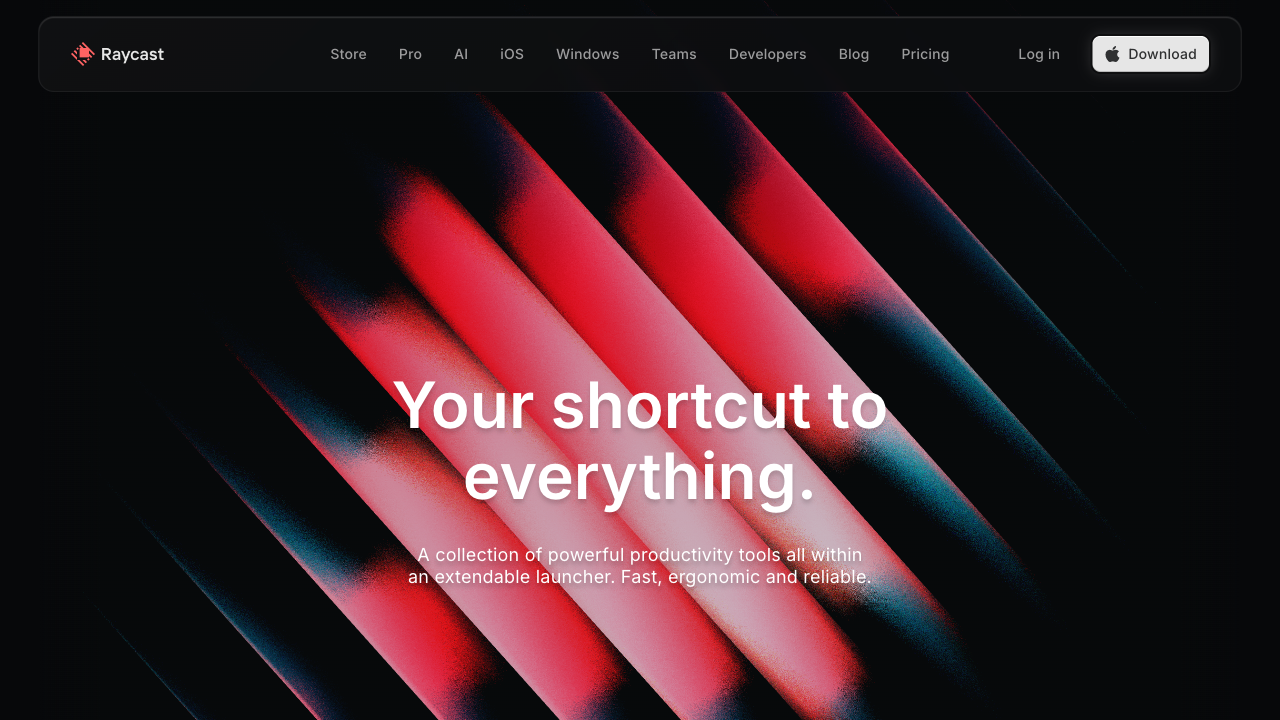
The first thing I install. Raycast replaces Spotlight, your clipboard manager, your window manager, and your text expander — all in one free app. Hit Cmd+Space, and you get a command palette for your entire system: launch apps, search files, manage windows with keyboard shortcuts, expand snippets, and browse 1,500+ community extensions for GitHub, Notion, Figma, and more.
If you're coming from Windows and miss PowerToys Run, this is that but better. If you've heard of Alfred — Raycast ships everything Alfred charges for (clipboard history, snippets, workflows) for free.
Students get 50% off Pro ($8/mo), but honestly the free tier is more than enough.
brew install --cask raycast
AI Toolchain
Claude — claude.ai

My go-to for reasoning-heavy tasks — debugging complex logic, reviewing architecture decisions, drafting long-form writing. The desktop app gives you a persistent sidebar you can keep open alongside your editor. I find it stronger than ChatGPT for code review and structured thinking.
Free tier works fine for casual use. Pro ($20/mo) unlocks higher usage limits and the latest models.
Codex — openai.com/codex
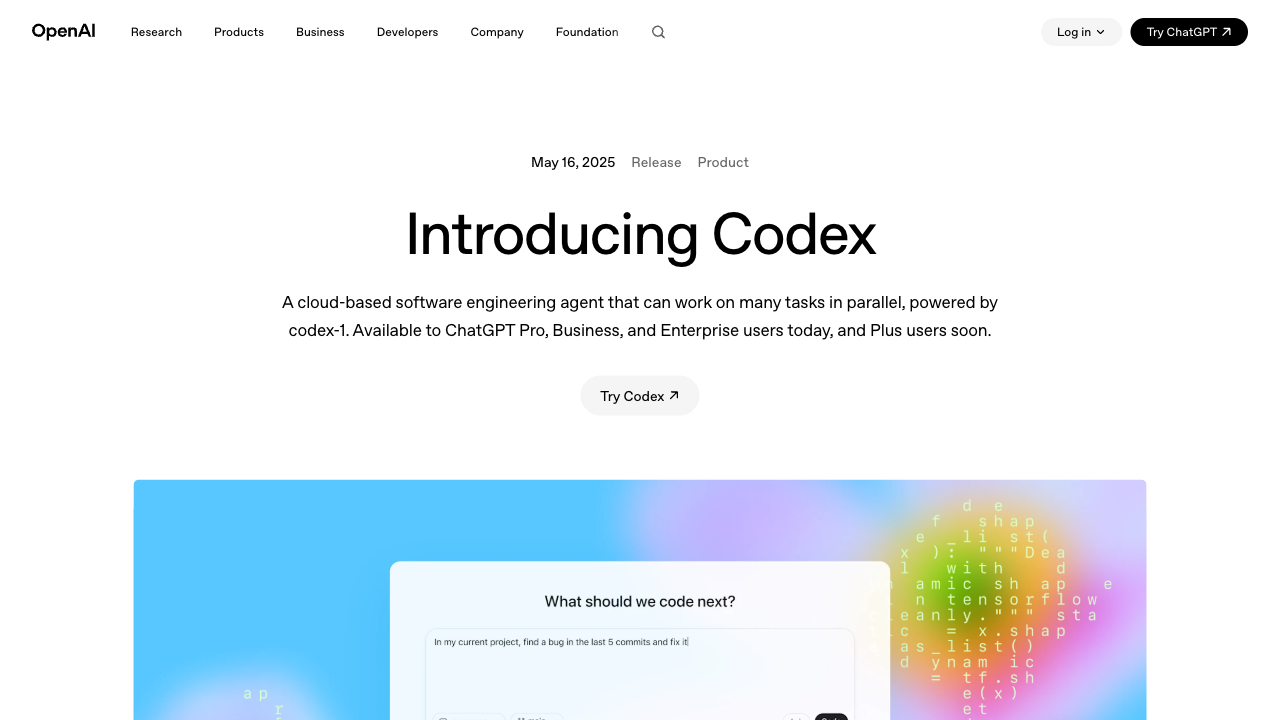
OpenAI's terminal-based coding agent. Unlike Copilot, which suggests the next line while you type, Codex takes an entire task — "add authentication to this API," "write tests for this module" — and executes it autonomously. It reads your repo, edits files, runs tests, and iterates until things pass.
Requires a ChatGPT Plus subscription ($20/mo). If you have that, this is the most capable CLI agent I've used.
npm install -g @openai/codex
Wispr Flow — Freemium (2,000 words/week free) | wisprflow.ai
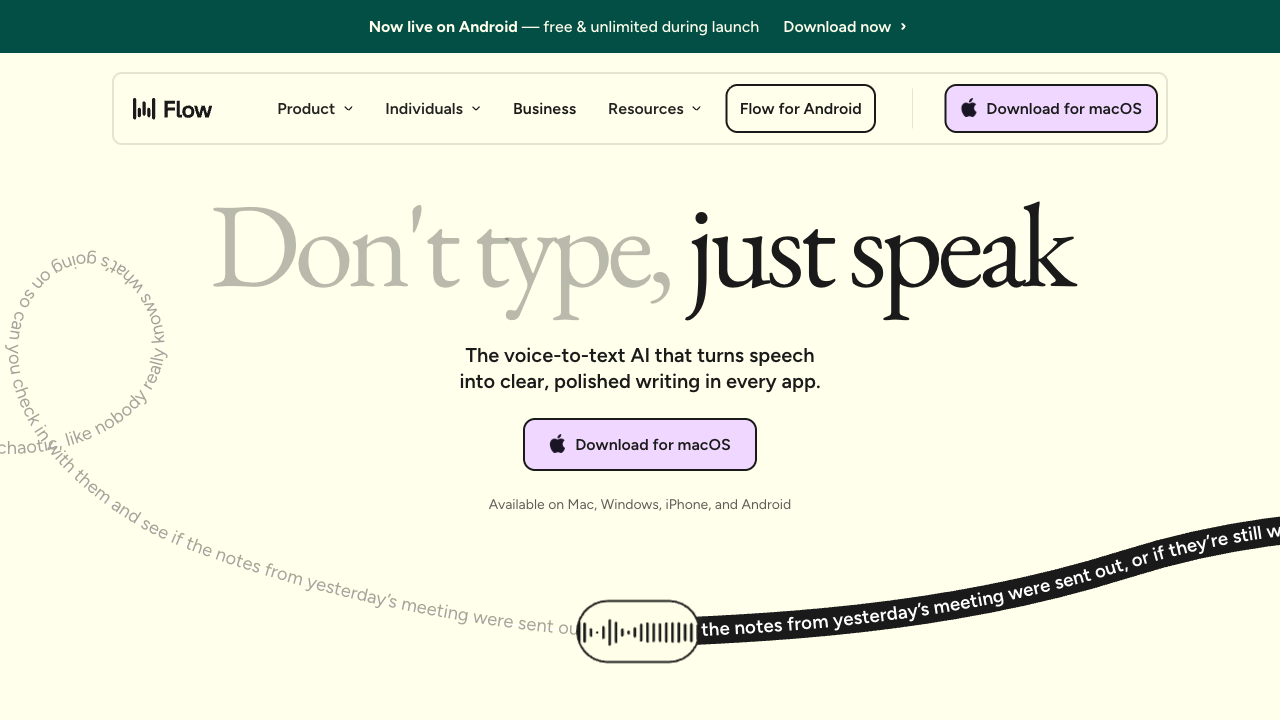
Voice-to-text that actually works for developers. Speak naturally, and it outputs clean, punctuated text with filler words removed — no need to say "period" or "new line." Works system-wide in any text field: your editor, Slack, email, even ChatGPT.
The killer feature is command mode: highlight text, speak "make this more concise" or "format as bullet points," and it rewrites inline. Pro is $12/mo for unlimited words.
Dev Environment
Homebrew — Free & open source | brew.sh
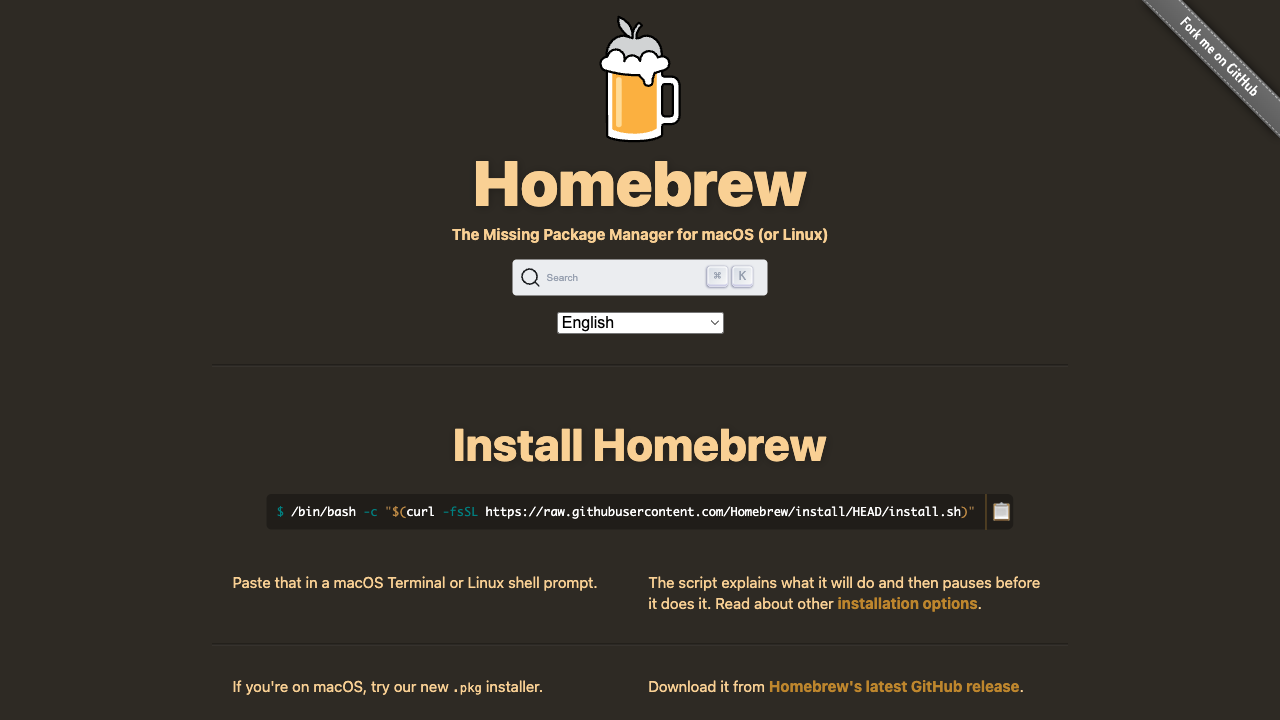
The package manager for macOS. If you're new to Mac from Linux, this is your apt. Almost everything else on this list installs through it. Get it first.
/bin/bash -c "$(curl -fsSL https://raw.githubusercontent.com/Homebrew/install/HEAD/install.sh)"
Warp — Free (AI features $20/mo) | warp.dev
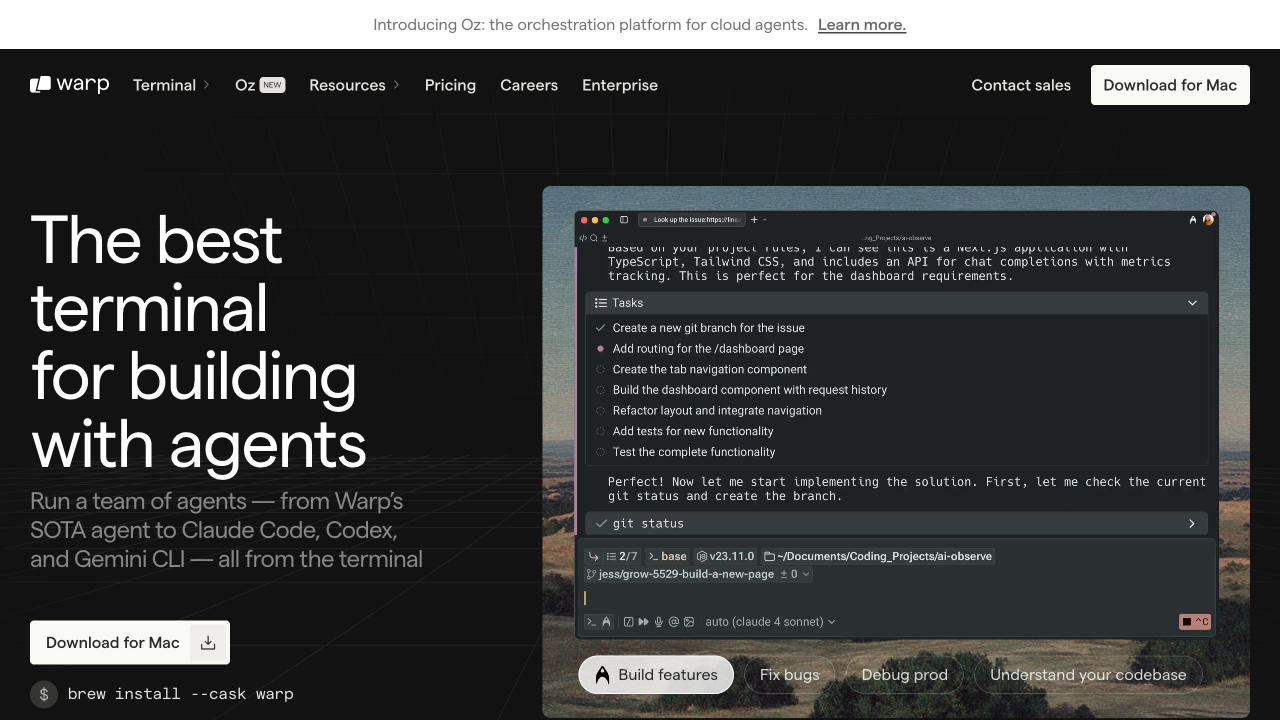
A GPU-accelerated terminal built in Rust. What makes it better than the default Terminal or iTerm2: every command and its output is wrapped in a collapsible "block" you can copy, rerun, or share. The input area works like a real text editor with multi-cursor support. It also has built-in AI for command suggestions, though that requires the paid Build tier ($20/mo).
The terminal itself is completely free — no account required. The AI is a nice-to-have, not a must.
brew install --cask warp
Code Editor: VS Code or Antigravity
This depends on what subscription you have:
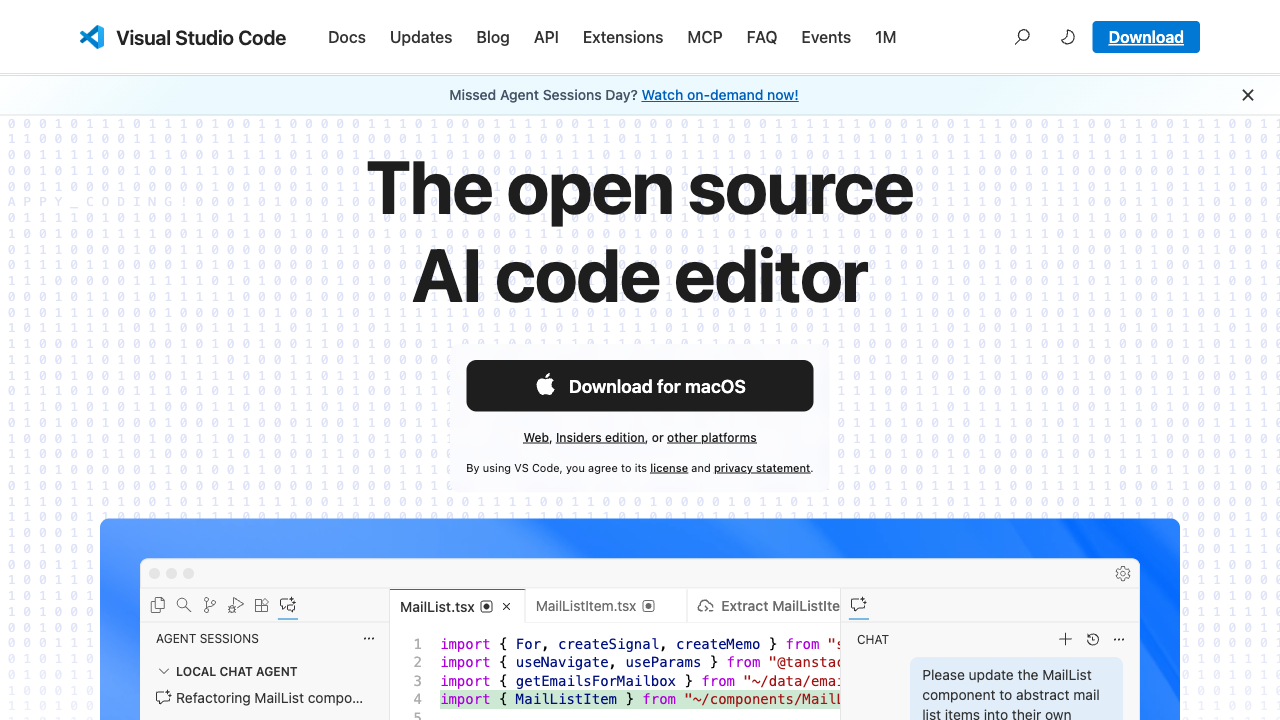
VS Code — Free & open source | code.visualstudio.com
If you have a GitHub Student Developer Pack (free for students) or Copilot Pro ($10/mo), this is the safest bet. Mature ecosystem, endless extensions, inline AI completions that feel invisible. Near-zero setup friction.
brew install --cask visual-studio-code
Antigravity — Free preview (AI Pro $20/mo) | antigravity.google
If you have Google Gemini Pro access, consider this instead. It's Google's agentic development platform — a modified VS Code fork with a "Manager Surface" where you can spawn multiple AI agents that work in parallel across your codebase. More experimental than VS Code + Copilot, but the multi-agent orchestration is genuinely useful for scaffolding and large refactors.
Pick one. You don't need both.
Git — Free (pre-installed) | git-scm.com
Already on your Mac via Xcode Command Line Tools. If you haven't triggered the install yet:
xcode-select --install
GitHub CLI (gh) — Free & open source | cli.github.com
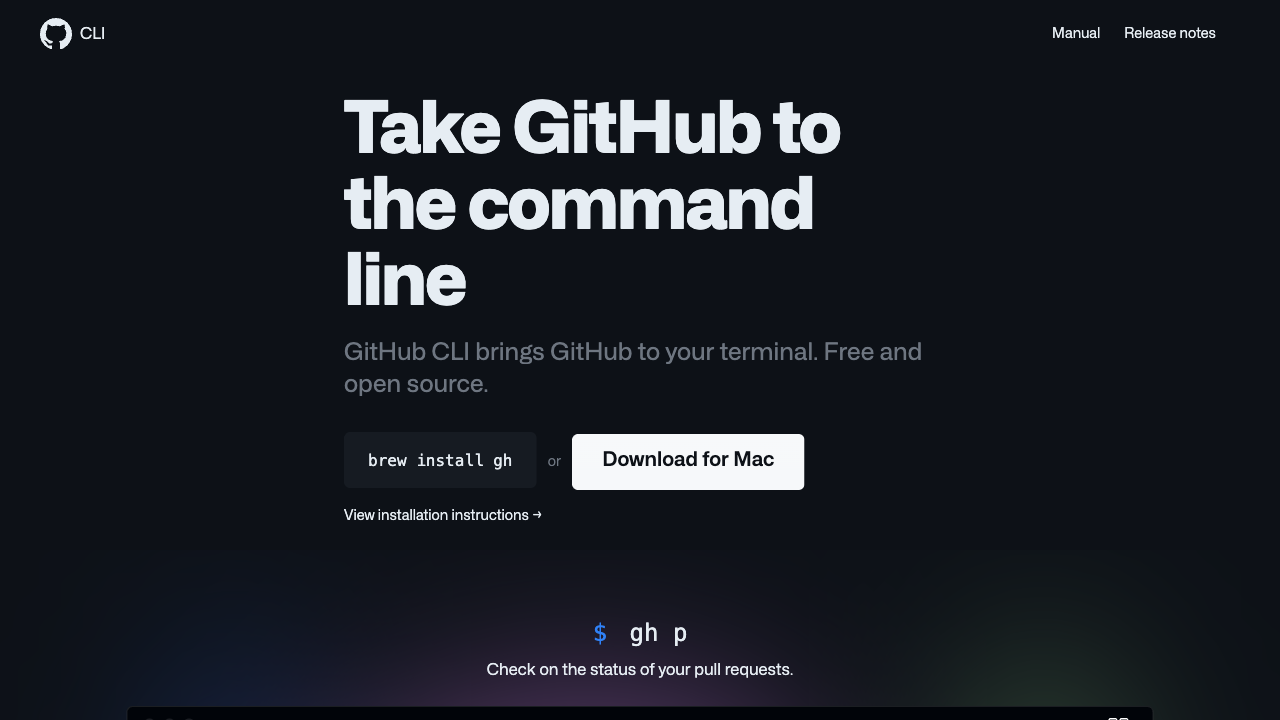
Manage pull requests, issues, and repos without leaving the terminal. gh pr create, gh pr checkout, gh repo clone — once you get used to it, the GitHub web UI feels slow.
brew install gh
Node.js — Free & open source | nodejs.org
If you're doing any web development, you need this. I install it via Homebrew and manage versions with nvm or fnm if I need multiple versions.
brew install node
Python + uv — Free & open source | docs.astral.sh/uv
Python is unavoidable in CS. For package management, skip pip and go straight to uv — it's a Rust-based replacement that handles packages, virtual environments, and even Python version management in one tool. 10-100x faster than pip, and you never have to think about venv or pyenv again.
brew install python uv
Then start any project with:
uv init my-project && cd my-project && uv run python main.py
Docker — Free (Personal) | docker.com
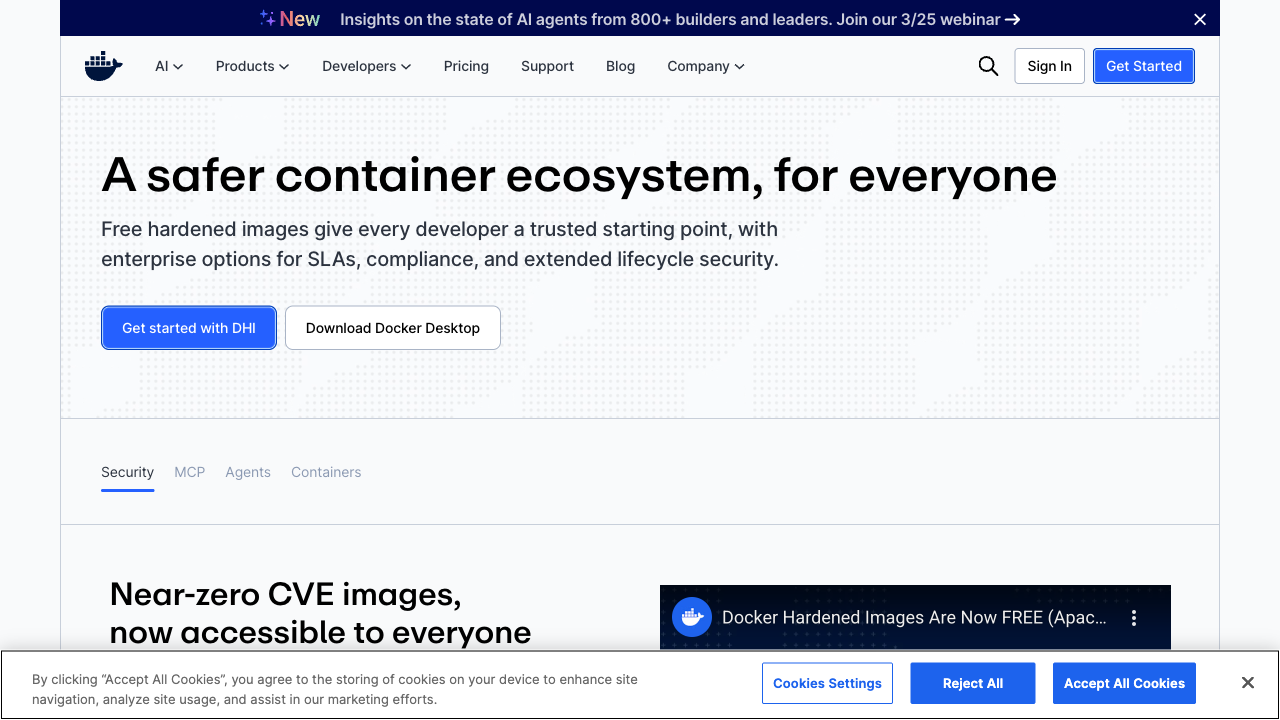
Containers. If you're taking any systems or cloud course, or working with databases, you'll need this. The Desktop app is free for personal use and education. Paid tiers (Pro $5/mo, Team $9/user/mo) are only needed for commercial teams.
brew install --cask docker
Browser
Google Chrome — Free | google.com/chrome
Still the default for web development. DevTools are best-in-class, and the extension ecosystem is unmatched. Use it for work; use Safari for battery life on the go.
brew install --cask google-chrome
ChatGPT Atlas — Free (Agent Mode requires Plus $20/mo) | chatgpt.com/atlas
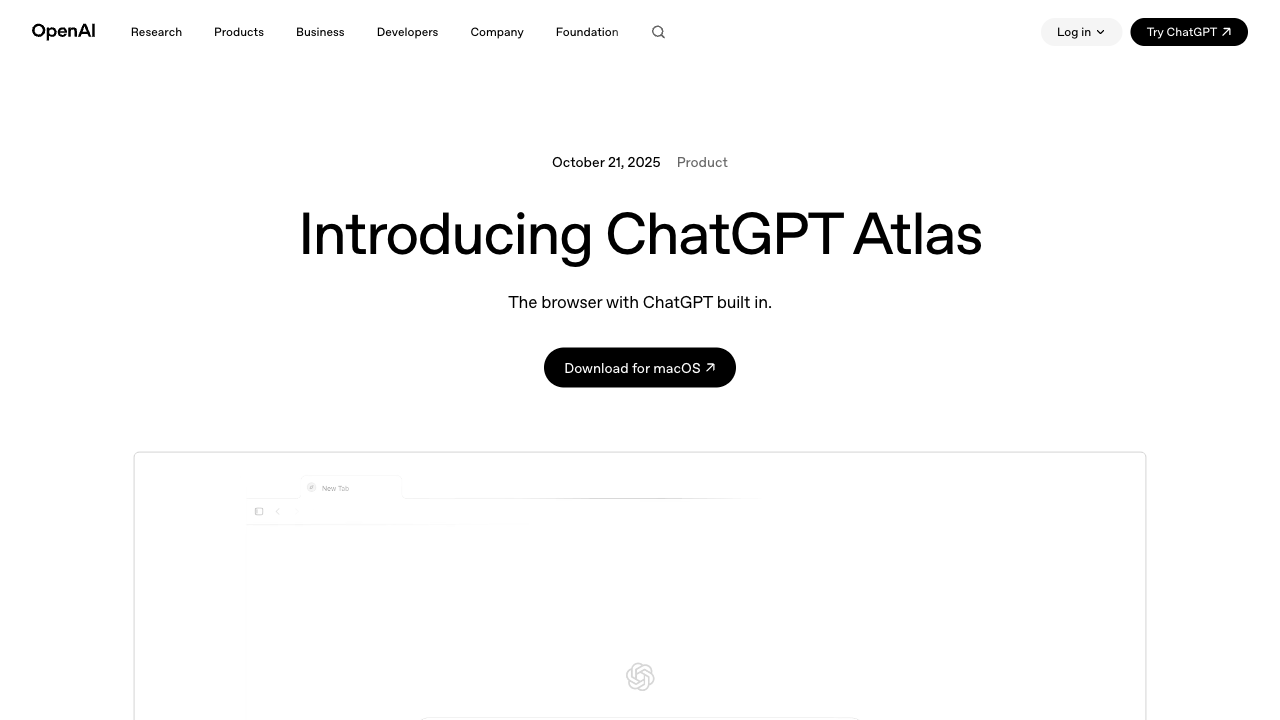
OpenAI's AI-native browser, built on Chromium. The key feature: ChatGPT understands the page you're on without copy-pasting. Ask it to summarize an article, explain code on GitHub, or compare products across tabs. Agent Mode (Plus required) can take autonomous multi-step actions — research, fill forms, book things.
I use Chrome for development and Atlas for research and browsing.
Utilities
Snipaste — Free | snipaste.com
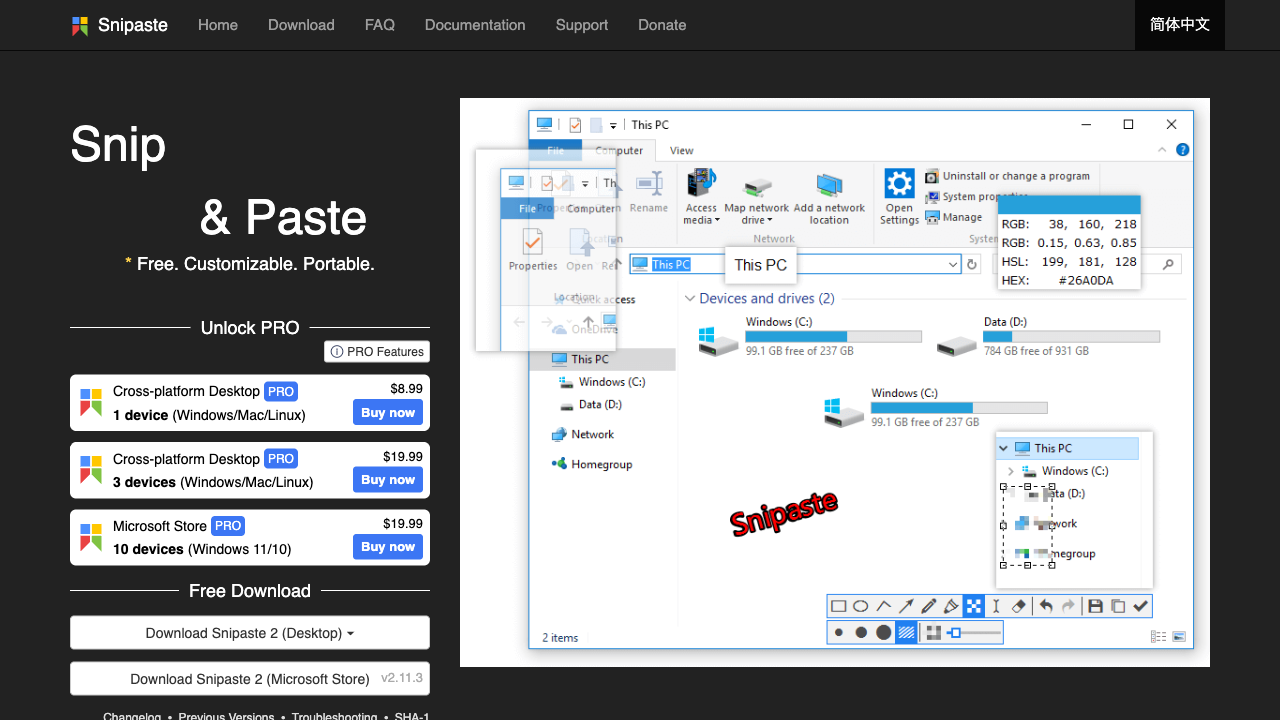
A screenshot tool that does one thing brilliantly: take a screenshot and pin it as a floating window on your screen. Invaluable when you're referencing a design mockup, a Slack message, or a piece of documentation while coding. Also great for quick annotations.
Pro ($8.99 one-time) adds extra features, but the free version covers everything you need.
brew install --cask snipaste
CleanMyMac — Paid (from $3.35/mo, 7-day free trial) | cleanmymac.com
macOS doesn't have a built-in disk cleanup tool. CleanMyMac handles cache cleaning, app uninstallation (with leftover file removal), and system monitoring. Not essential on day one, but you'll want it after a few months when your disk fills up with Xcode caches and Docker images.
brew install --cask cleanmymac
Closing
That's it — 16 apps, one Homebrew command for most of them. Your setup will evolve over time, but this gets you from unboxing to productive in about an hour.
If you have your own must-haves I missed, I'd love to hear about them.